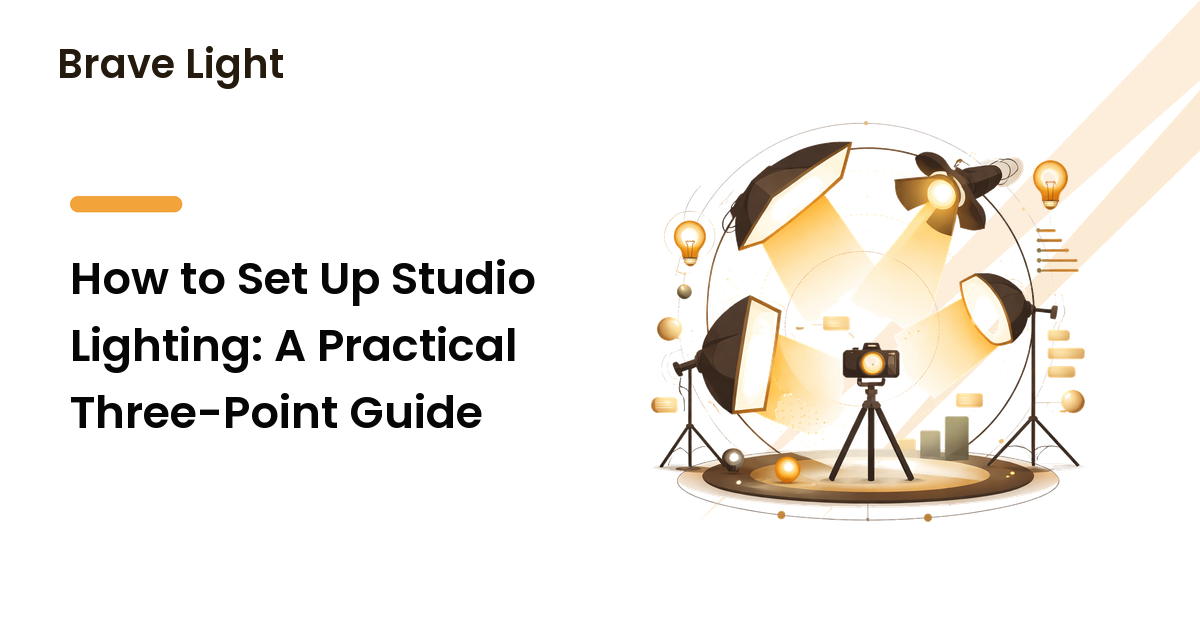
A good studio lighting setup is what separates footage and photos that look intentional from ones that look like they were shot under whatever was on the ceiling. The encouraging part: you don't need a wall of expensive gear. You need to understand how a few lights work together, soften them properly, and place them with intent. Master that, and a modest two- or three-light kit will outperform a pile of fixtures used carelessly.
This guide walks through the foundation almost every studio setup is built on — three-point lighting — plus the modifiers that shape the light and the fixes for the problems that trip people up most: harsh shadows and glare. The short version: control one light at a time, soften it, and place each light for a reason you can name.
The foundation: three-point lighting
Three-point lighting uses three roles — key, fill, and back — to light a subject with shape and depth. It's the standard because it's flexible and repeatable: once you understand the three roles, you can recreate a look or adapt it to any space. You don't always need all three, but knowing each role tells you what to add and why.
Key light
The key is your main light and the most important decision in the setup. It establishes the overall exposure and the direction of the light. A common, flattering starting position is off to one side of the subject and slightly above eye level, angled down — roughly 45 degrees to the side and 45 degrees up is a reliable place to begin. Placed this way, the key creates gentle, dimensional shadows that give a face shape. Get the key right before you touch anything else; the other two lights only respond to it.
Fill light
The fill softens the shadows the key creates, so they read as depth rather than harsh darkness. It goes on the opposite side of the subject from the key and is set dimmer than the key — that difference in brightness between the lit and shadowed side is what gives the image contrast and mood. More fill flattens the look (often wanted for clean, bright video); less fill deepens the shadows for a moodier, more dramatic feel. A reflector bouncing the key's own light back at the subject can stand in for a second light here and costs very little.
Back light
The back light (also called a rim or hair light) sits behind the subject, aimed at the back of the head and shoulders. Its job is separation: a subtle outline of light along the edges lifts the subject off the background so they don't blend into it. It's the layer people skip, and it's often what makes a setup look "professional" rather than flat. Keep it controlled — enough to define an edge, not so much that it flares into the lens.
Soften the light: modifiers that matter
The single biggest quality difference in studio lighting isn't the light itself — it's whether it's hard or soft. A bare bulb or small light source casts hard, sharp-edged shadows that are usually unflattering on faces. A large, diffused source wraps light around the subject for soft, gradual shadows. The rule is simple and worth remembering: the larger the light source relative to the subject, the softer the light. That's why a small light up close is softer than the same light far away.
A few common modifiers and what each is good for:
- Softboxes enclose the light and diffuse it through a fabric front, giving soft, directional light with reasonable control over spill. They're the workhorse for both photo and video and a sensible first modifier.
- Umbrellas are cheaper and spread light widely — easy and forgiving, but they throw light everywhere, which can be harder to control in a small room.
- Diffusion panels and scrims sit between a light and the subject to soften it; useful when you want to tame a window or a harder light.
- Reflectors bounce existing light to fill shadows without adding a second fixture — the most cost-effective tool in the kit.
If you buy one modifier first, a softbox on the key light gives the biggest, most visible improvement.
A repeatable setup workflow
Build the setup one light at a time. Adding everything at once makes it impossible to tell what each light is doing.
- Turn off other light sources so you start from a known, controlled base — much like keeping color temperature consistent in home lighting design, a predictable starting point is what makes the rest reliable.
- Set the key light first. Place it, soften it, and adjust until the subject's exposure and shadows look right. Judge everything else against this.
- Add the fill on the opposite side, dialed lower than the key. Raise or lower it to taste: more for a clean look, less for drama.
- Add the back light behind the subject for separation, kept subtle and out of the lens.
- Mind your background separately — it usually needs its own light or distance from the subject so it isn't lit by accident.
- Lock down the positions. Note your placements (or mark the floor) so you can recreate the setup next time. Repeatability is the whole point of a studio.
Fixing common problems
Harsh shadows
Hard, distracting shadows almost always mean your light source is too small or too far away. Fix it by making the source effectively larger: add a softbox or diffusion, or simply move a soft light closer to the subject. Raising the fill slightly also softens the shadow on the dark side. Shadows on the background behind the subject usually mean the subject is too close to the wall — move them forward.
Glare and reflections
Glare on glasses, shiny foreheads, or a screen in frame comes from a light bouncing directly back into the lens. Change the angle: raise the light a little higher and move it more to the side so the reflection bounces away from the camera rather than into it. For glasses specifically, lifting the key and angling it down often clears the reflection. A small change in light position usually solves what looks like a stubborn problem.
Flat, lifeless results
If everything looks flat, you probably have too much fill or no real difference between your key and fill. Lower the fill so one side of the subject is clearly brighter than the other. That contrast is what creates depth — flatness is the absence of it.
FAQ
Do I need three lights to start?
No. A single softened key light, plus a reflector for fill, produces good results and teaches you the most. Add a dedicated fill and a back light as you learn what each one contributes. Understanding the roles matters more than owning three fixtures.
What's the difference between hard and soft light?
Hard light comes from a small or distant source and casts sharp, defined shadows. Soft light comes from a large, close, or diffused source and casts gentle, gradual shadows. Soft light is usually more flattering for faces, which is why softboxes and diffusion are so common.
Should I use continuous lights or flash for studio work?
Continuous lights let you see exactly what you're getting and work for both photo and video, which makes them easier for beginners and essential for video. Flash delivers more power for stills and freezes motion. Choose based on whether you shoot video (continuous) or primarily stills in brighter conditions (either works).
Why do my subjects look washed out?
Usually too much fill light, or the fill set as bright as the key, which erases the shadows that give a face shape. Lower the fill until there's a visible difference between the lit and shadowed sides. A little contrast restores depth.
How do I light a background as well as the subject?
Treat the background as a separate layer with its own light, or move the subject far enough forward that the subject's lights don't spill onto it. Lighting both with the same fixtures is what causes muddy, shadow-covered backgrounds.
Next step
Don't try to build the whole rig at once. This week, set up one key light, soften it with a softbox or a sheet of diffusion, and get the exposure and shadows looking right on their own. Then add fill, then back light — one at a time, each for a reason. A simple setup you can repeat reliably beats an elaborate one you can't recreate, and it's the foundation every better-looking shoot is built on.